Blog ·
Run Claude and Codex on any machine
Run agents on a machine you attach or on a managed cloud host, give hosts working hours, and pick the model for a thread from the message box.
Agents need a computer to work on, and the one on your desk goes to sleep when you do. You want agents running when there is work, and not costing anything when there isn’t.
Your machine, or ours
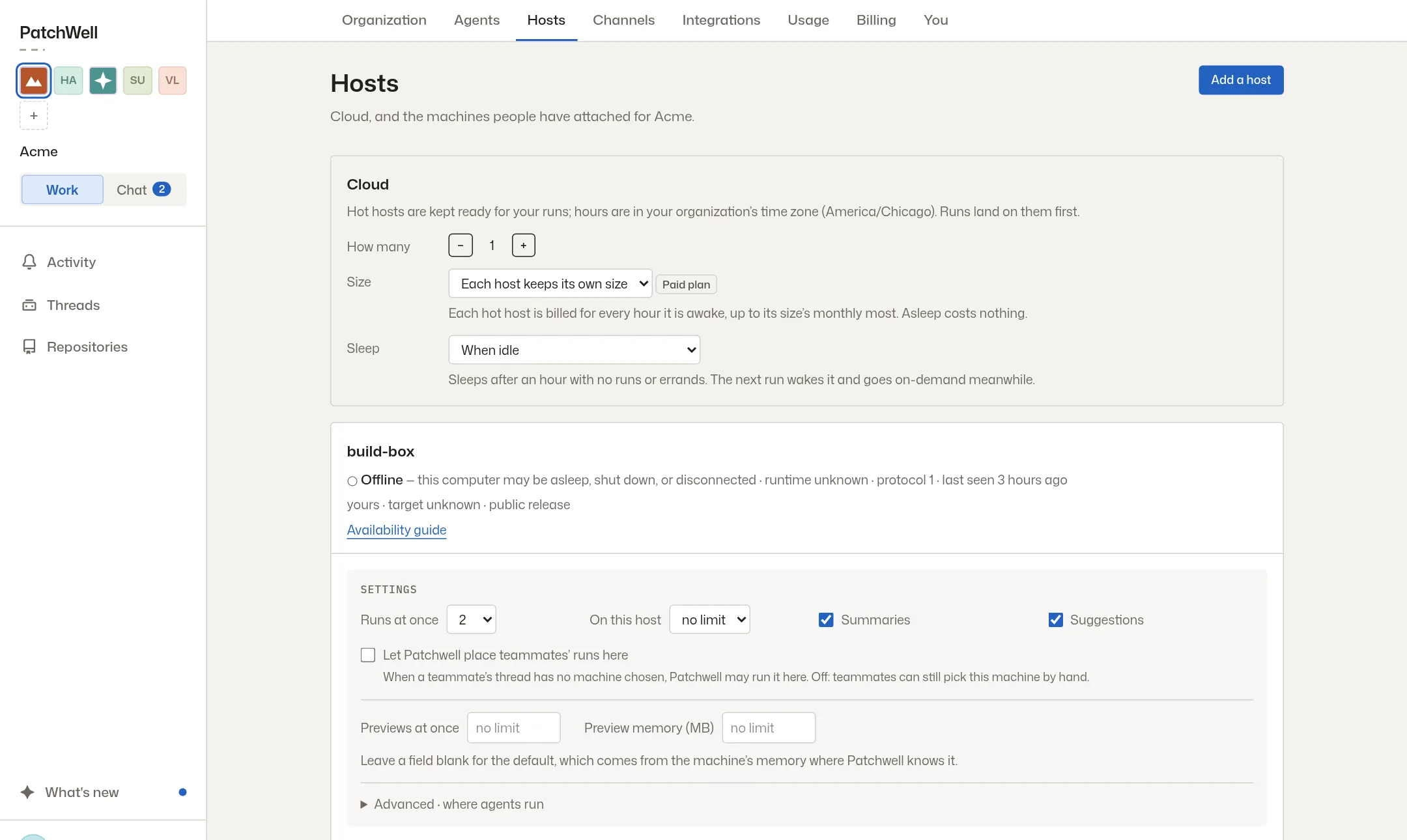
PatchWell can now run Claude and Codex on a machine you attach, or on a cloud host it manages for you. Hosts can keep working hours and wake when you need them. They also show live CPU and memory use, so you can see when one is busy.
Pick the model from the message box
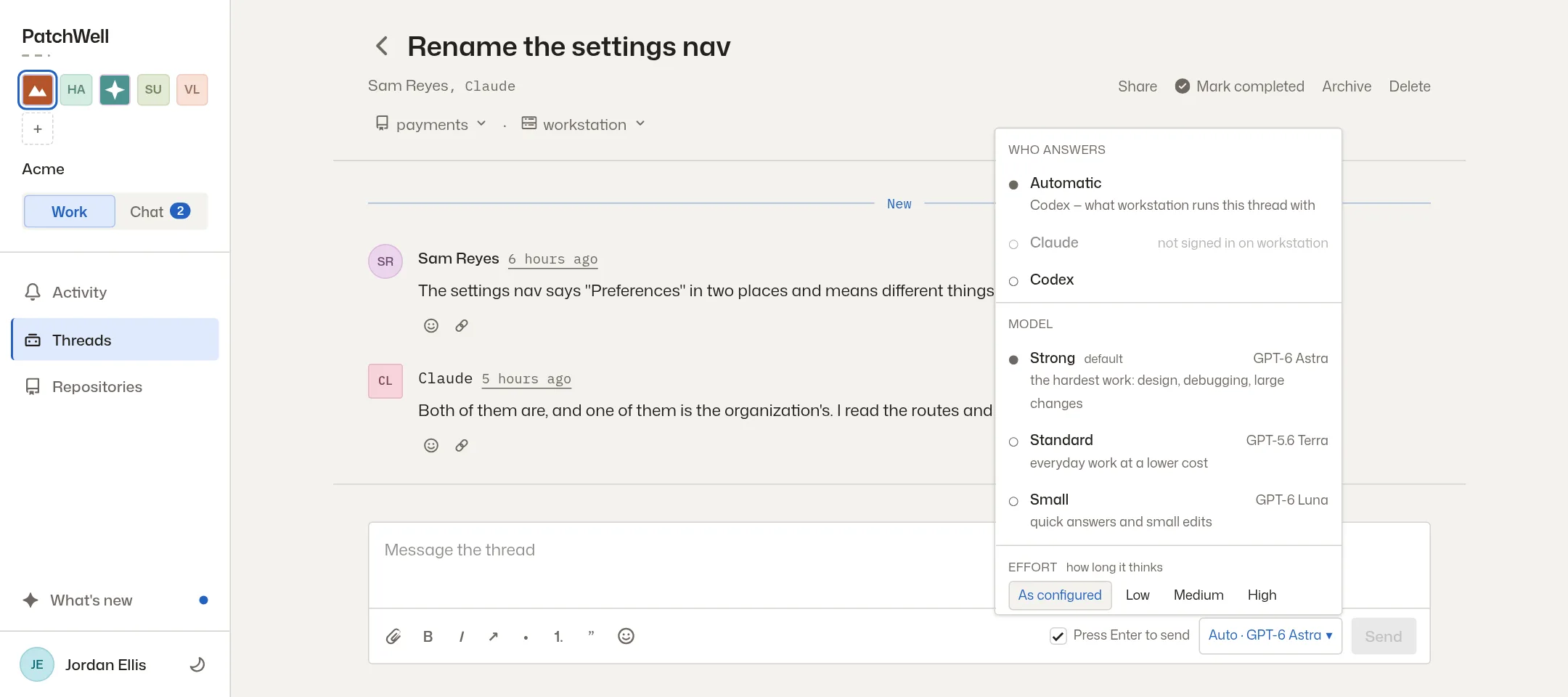
You can now choose the model for a thread right where you type. Pick which agent answers, how strong a model it uses, and how long it thinks. A small model is fine for a quick answer, and a strong one is there for a hard bug.
More from the blog
Every post, newest first, or follow the feed in a feed reader. The same notes appear in the app under What’s new.