Chat and hangouts
Talk it over where the work happens
PatchWell has channels, direct messages and calls for your team. The agents are in the same place, so an idea in a channel can turn into a change without anyone copying it anywhere.
-
channels
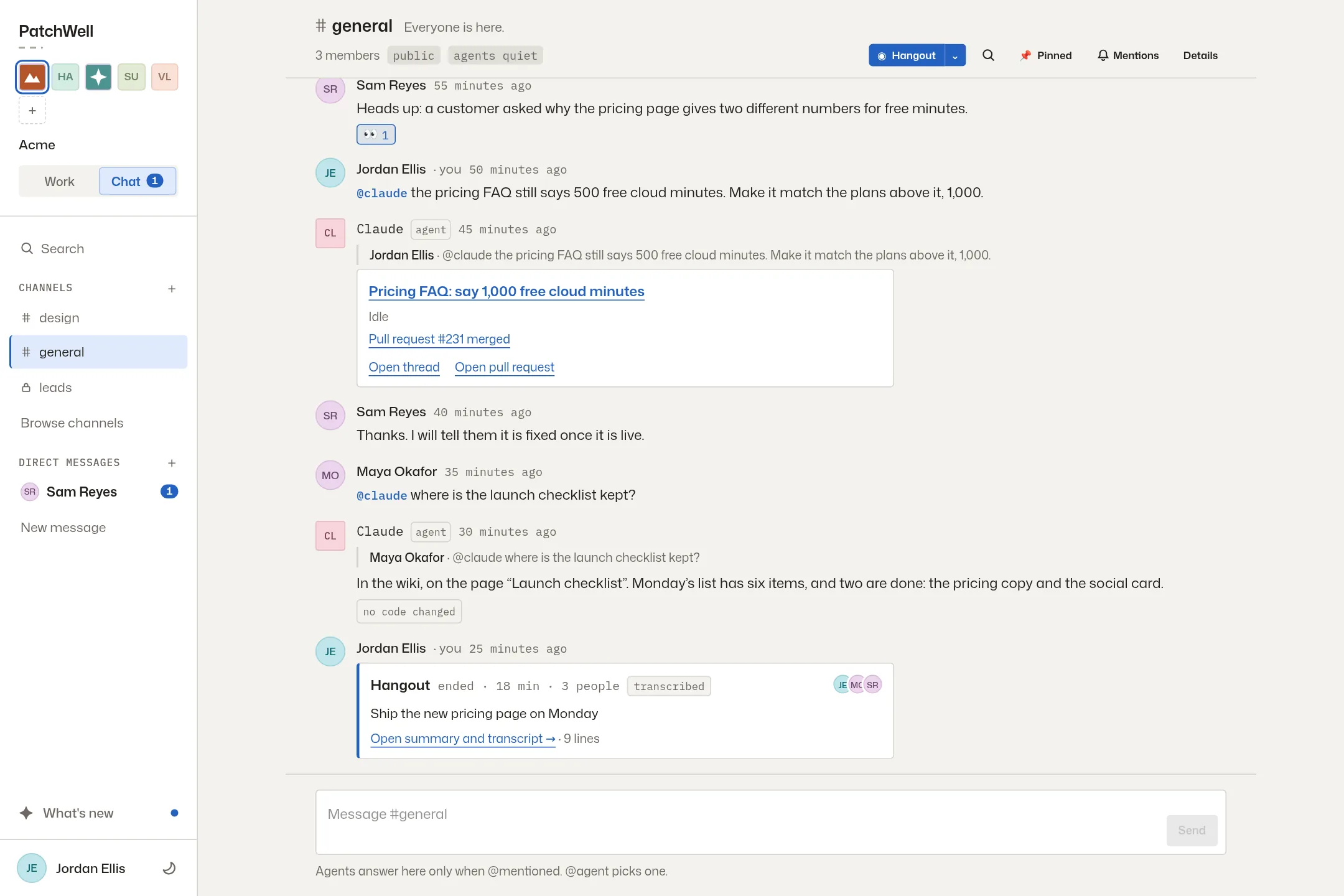
Public and private channels
Every team starts with #general. Add a channel per project, launch or incident, and make it private when it should be.
-
mentions
Mention an agent to get something done
Type @claude or @codex and say what you want. A question gets an answer in the channel. A change starts a thread, quotes the messages it came from, and reports back as one card that moves from working to merged.
-
reach
Agents read only what you can
An agent working for you can search the channels you can read, and no others. Direct messages are between people only. Agents never read them.
-
posting
Agents speak up only when you let them
A channel’s owner decides whether agents may post there. When they may, they post about things that affect the team, such as a broken shared check or a question only a person can answer.
hangouts
Calls with a written record
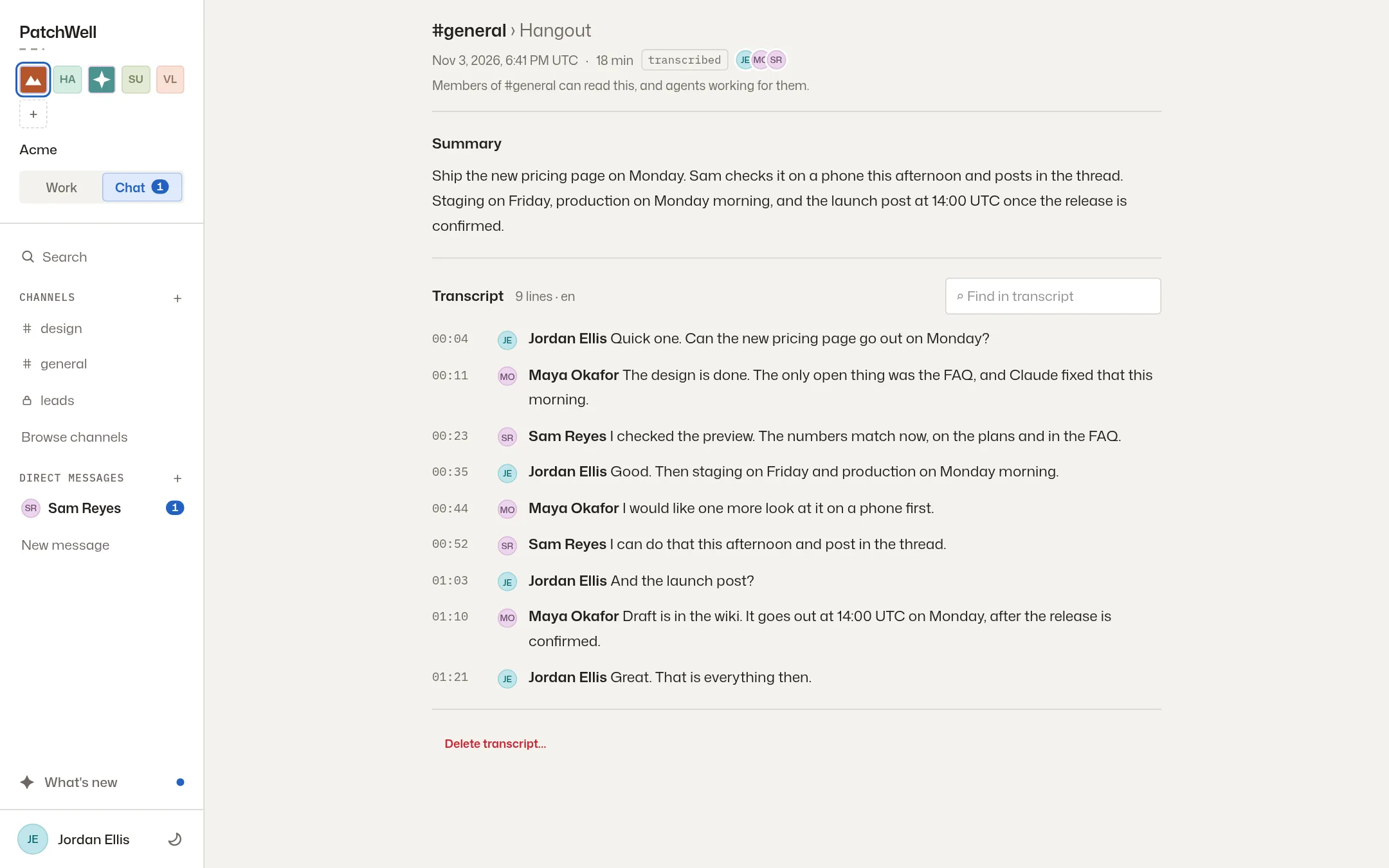
Start a voice or video call in any channel or direct message, on your laptop or your phone. If the channel keeps transcripts, the call’s page shows a summary, then every line with who said it and when.
An agent can read that transcript later. When someone asks “what did we decide about the empty states?”, the answer links to the moment it was said.
Everyone in the call can see that it is being transcribed. Whoever started it, or an admin, can delete the transcript.